

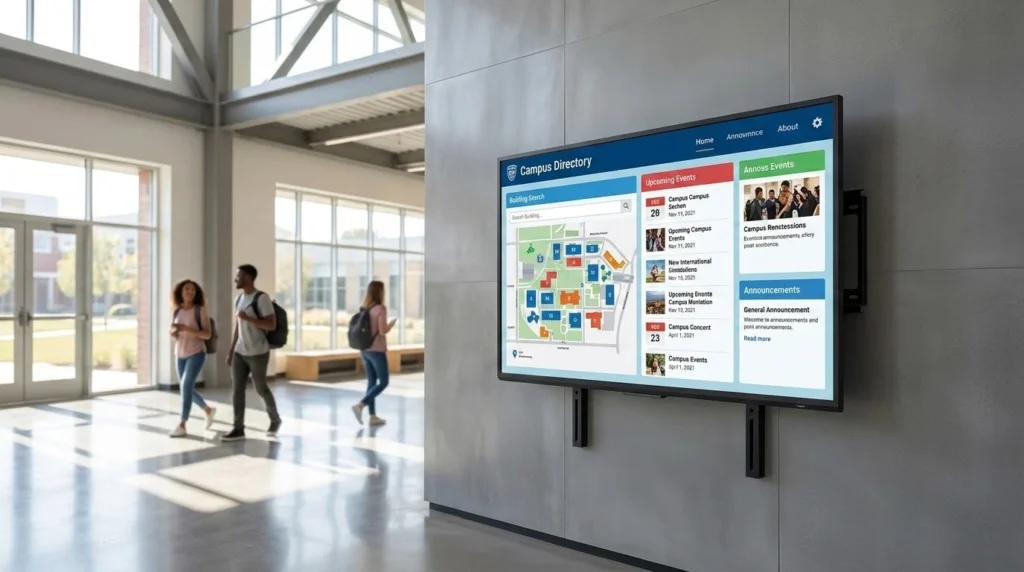
When you walk into a university lobby or a corporate headquarters, the interactive screens you see are only as good as the software running behind them. I’ve spent years dealing with digital signage deployments, and the reality is most organizations underestimate the backend. You can buy the most expensive 65-inch 4K touchscreen on the market, but if the content management system is difficult to update, the screen ends up displaying outdated information within six months.
The market is crowded with software claiming to be the perfect CMS for touch displays. Many of these platforms are just basic slideshow players. Others require a full-time developer to keep them running smoothly. If you’re managing a donor wall, an athletic hall of fame, or an interactive campus directory, you need a system that balances front-end visual polish with back-end usability. Your non-technical staff should be able to update the text and images without breaking the layout.
Here is a breakdown of five reliable cloud-based CMS platforms for interactive touchscreens. They are selected based on operational realities rather than software marketing claims. Each has a specific ideal use case depending on your internal resources and your facility’s deployment goals.
1. Touchstone Digital Solutions
A common problem for institutions is trying to force a generic software platform to fit a highly specific requirement. If you’re building a custom donor wall, an alumni hall of fame, or a team tribute, standard digital signage tools often fall short. You end up having to design the honoree structure, donor tiers, and navigation logic entirely from scratch.
This is where Touchstone Digital Solutions steps in. Their entire operation focuses exclusively on custom-built digital recognition displays for schools, universities, and nonprofits. Instead of handing you a blank canvas and leaving the heavy lifting to your team, they design the visual identity and the content structure around your institution’s specific history. The final product reflects your brand accurately.
What makes their approach practical for daily operations:
- Fully managed builds: The initial design, user interface, and software configuration are handled entirely by their team.
- Purpose-built backend: The CMS is structured specifically for recognition programs, so the fields match what you actually need to input.
- Accessible updates: Advancement teams and athletic departments can add new honoree profiles or adjust giving tiers directly, without submitting a ticket to IT.
- Dedicated support: You aren’t left troubleshooting a generic template that has been stretched to fit your unique use case.
If you want a display that looks like it belongs uniquely to your campus and you prefer to have the technical setup handled by a dedicated team, this is the most effective route to take.
2. PandaSuite
Sometimes your internal team wants complete creative control over the screen experience. You might have a capable in-house design department that wants to build interactive applications from the ground up without writing raw code. PandaSuite is a Paris-based no-code platform that lets non-technical users build kiosk experiences and interactive displays.
The main advantage here is raw flexibility. You get a visual drag-and-drop environment where you can piece together the exact user journey you want. It works very well for general interactive displays, event kiosks, or temporary exhibits where you need granular control over every pixel and transition.
Key operational realities to consider with this platform:
- High flexibility: The blank canvas approach lets you build almost any kind of touch interface imaginable.
- Self-managed workload: You have to map out the logic, the database connections, and the layout yourself.
- Ongoing maintenance: Design tweaks, software updates, and content management fall entirely on your own staff.
- Subscription pricing: The cost starts around 79 dollars a month per app, keeping software expenses predictable over time.
Because PandaSuite doesn’t come with pre-built data structures for specific institutional use cases like donor recognition, the setup phase requires significant internal effort. If you have the bandwidth and prefer a hands-on approach to your digital installations, it’s a very capable tool.
3. Intuiface
If you’re dealing with complex external integrations and want a system that goes far beyond simple touch navigation, Intuiface is a heavy hitter in the space. This platform is widely used by digital agencies and AV integrators across the globe for high-end exhibits and interactive digital signage networks.
Intuiface excels at bringing entirely different media types together into a cohesive interface. You can combine 4K video, high-resolution images, touch triggers, proximity sensors, and even IoT devices into a single interactive experience. It is highly robust and carries ISO 27001 certification, which keeps the IT department satisfied regarding data security and network compliance.
What to expect when deploying Intuiface for your facility:
- Broad hardware integration: It connects with a wide variety of external APIs, physical buttons, and hardware sensors.
- Professional grade functionality: Built specifically for digital agencies and professional integrators managing large-scale deployments.
- Steep learning curve: While technically categorized as a no-code platform, it requires a logical, almost developer-like mindset to build complex layered experiences.
- Custom data structures: Like other horizontal software tools, there is no dedicated honoree database or alumni profile structure out of the box.
You’re buying a powerful software engine, but you still have to build the vehicle. Schools or businesses wanting to use this for a hall of fame will definitely need internal design expertise or a hired integrator to construct the actual interactive experience.
4. Rise Vision
Not every screen project requires a highly customized, interactive multimedia application. Sometimes you simply need reliable, cloud-based digital signage that you can update instantly from any computer. Rise Vision has operated in the digital signage space for decades and offers a straightforward, all-in-one cloud platform.
Their software system is heavily utilized in the education sector for classroom announcements, hallway screens, and campus-wide emergency alerts. They do offer templates for basic hall of fame boards and donor walls among their hundreds of general-purpose designs. The daily updates are instant and the learning curve for new staff members is extremely low.
Operational factors to keep in mind:
- Ease of use: The platform is designed for rapid updates from any standard web browser.
- Large template library: Access to over 750 general-purpose designs helps get new screens running quickly without design delays.
- Generic visual formats: Recognition boards are just one small category, so the included designs can feel somewhat standard.
- Broad campus communication: Excellent for mixing critical emergency alerts with daily campus news on the same screen.
The limitation here is the depth of visual customization. If you want a distinctive, story-driven tribute that deeply reflects your specific brand identity, you’ll likely find the out-of-the-box templates restrictive. It serves as a reasonable low-cost entry point for organizations with very basic visual communication needs.
5. Norvision
When an organization runs large-scale giving programs, the way they recognize financial contributors matters immensely. Norvision focuses specifically on donor recognition software. Their managed platform is built to help organizations connect with supporters through interactive digital walls, tailoring the software directly to philanthropic offices.
This software scales specifically for complex giving programs. The CMS is built to handle extensive donor lists, tiered giving levels, and live campaign progress. It manages the specific administrative requirements of a development office quite well. The interface allows staff to manage donor names and gift levels directly without relying on a third-party designer for every small text change.
Key elements of their deployment model:
- Niche functional focus: Built from the ground up to support donor recognition walls and philanthropic campaigns.
- Managed software platform: Takes some of the technical maintenance burden off your internal IT team.
- Targeted data scalability: Handles large volumes of donor data and multiple giving tiers efficiently.
- Segmented administrative use cases: Better suited for standalone donor walls rather than multi-purpose interactive campus hubs.
The narrow focus is both a functional strength and a potential limitation. Unlike the comprehensive custom approach seen with Touchstone Digital Solutions, if your institution needs multiple types of recognition displays running on the same network you might encounter workflow issues. The Norvision system is highly specialized for donors. You may find yourself managing a completely different software vendor for your sports or alumni displays, which creates separate workflows and separate training requirements for your staff. For pure donor recognition, however, it remains a solid managed platform.
